
Save the place.
Forget the video.
AskAlfred turns every TikTok, reel and link you save into a real place on your personal travel map. The video disappears. The trip stays.


You've saved 247 travel videos.
You'll watch 0 of them again.
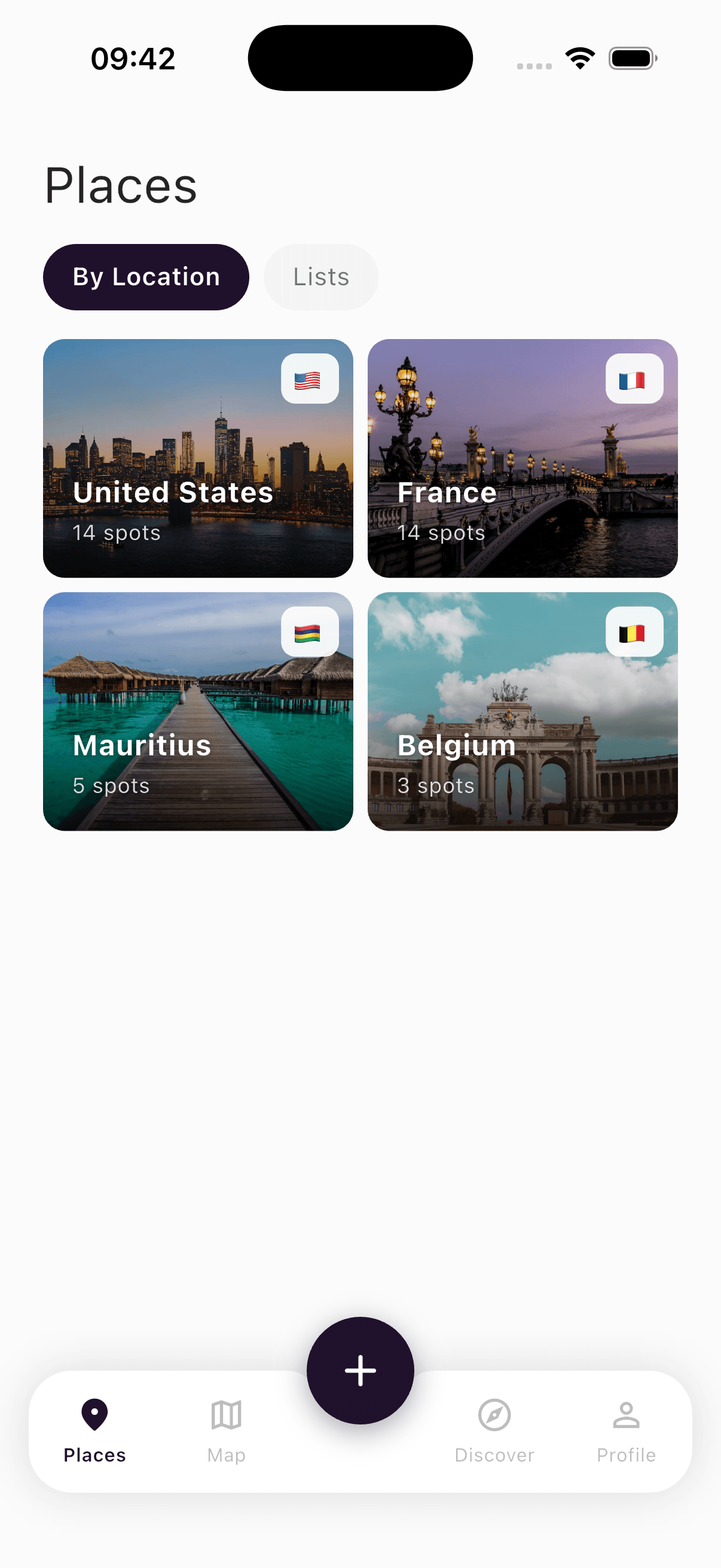
The places you wanted to visit? Lost in the algorithm.
Until now.
AskAlfred turns every saved post into a real, bookable place on your personal travel map.
Three taps from inspiration to a real plan.

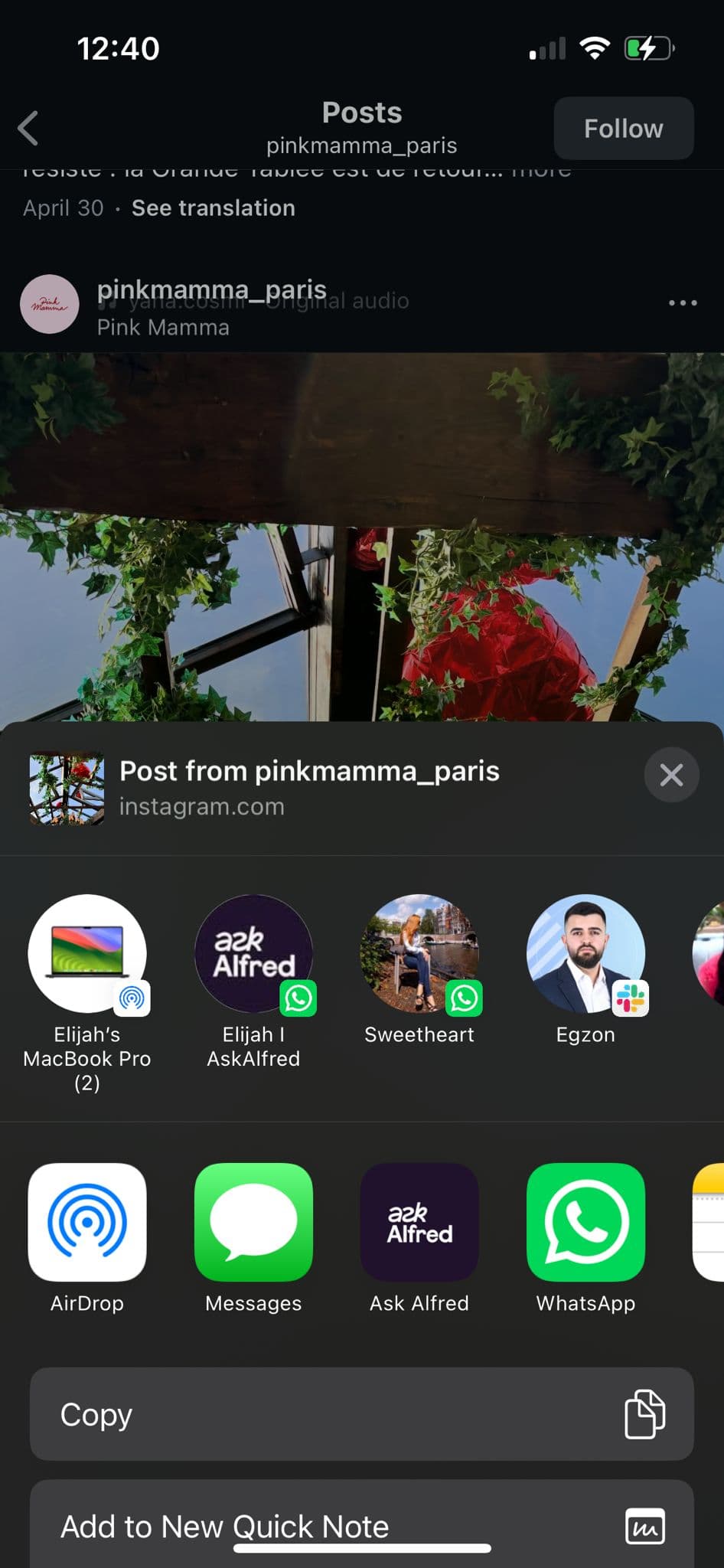
Share to Alfred.
See a place you love. Hit share. Pick Alfred. That's the entire workflow.
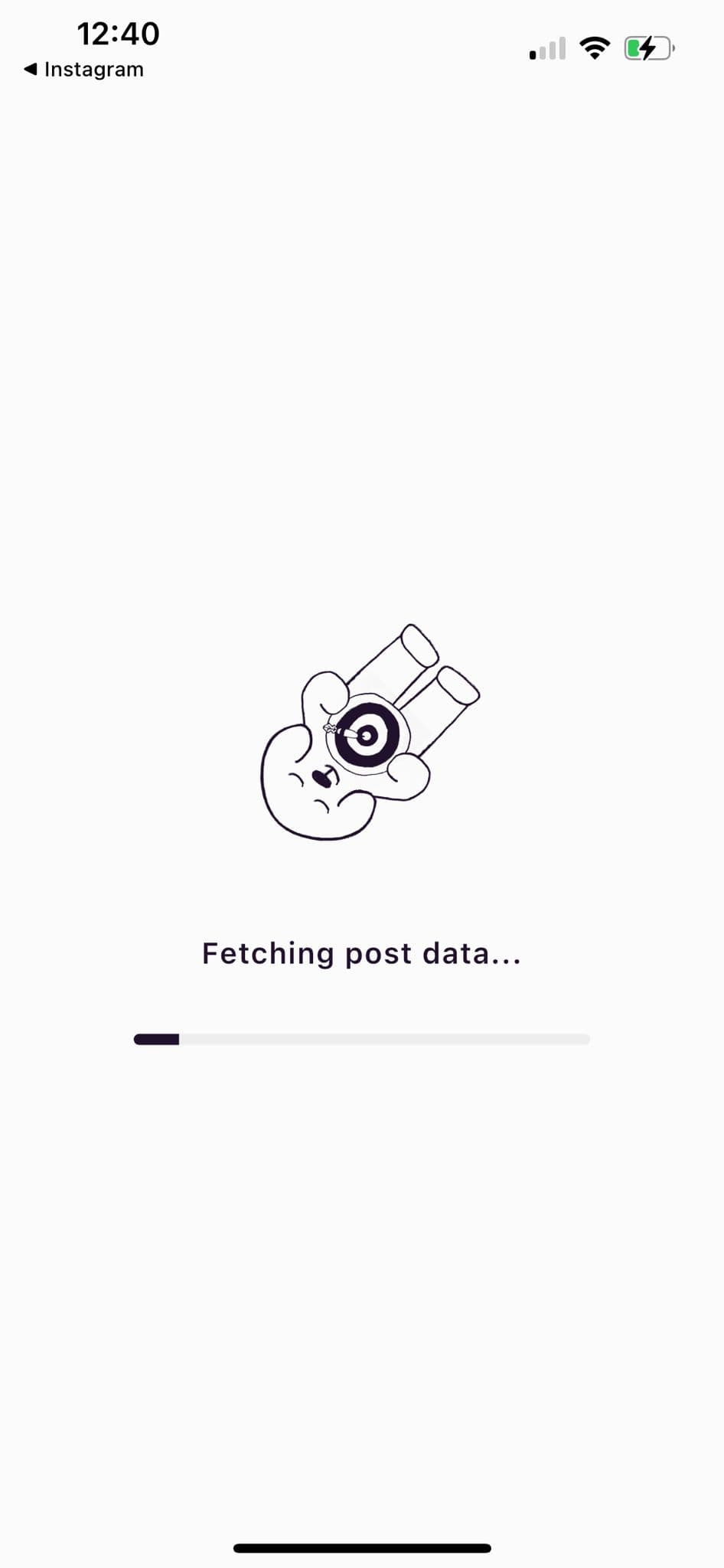
Alfred extracts the places.
Our AI watches the video, reads the caption, then verifies the spot against Google Places.
Open the map. Plan the trip.
Every saved post is a pin. Filter by city, by mood, by what you actually want to do.
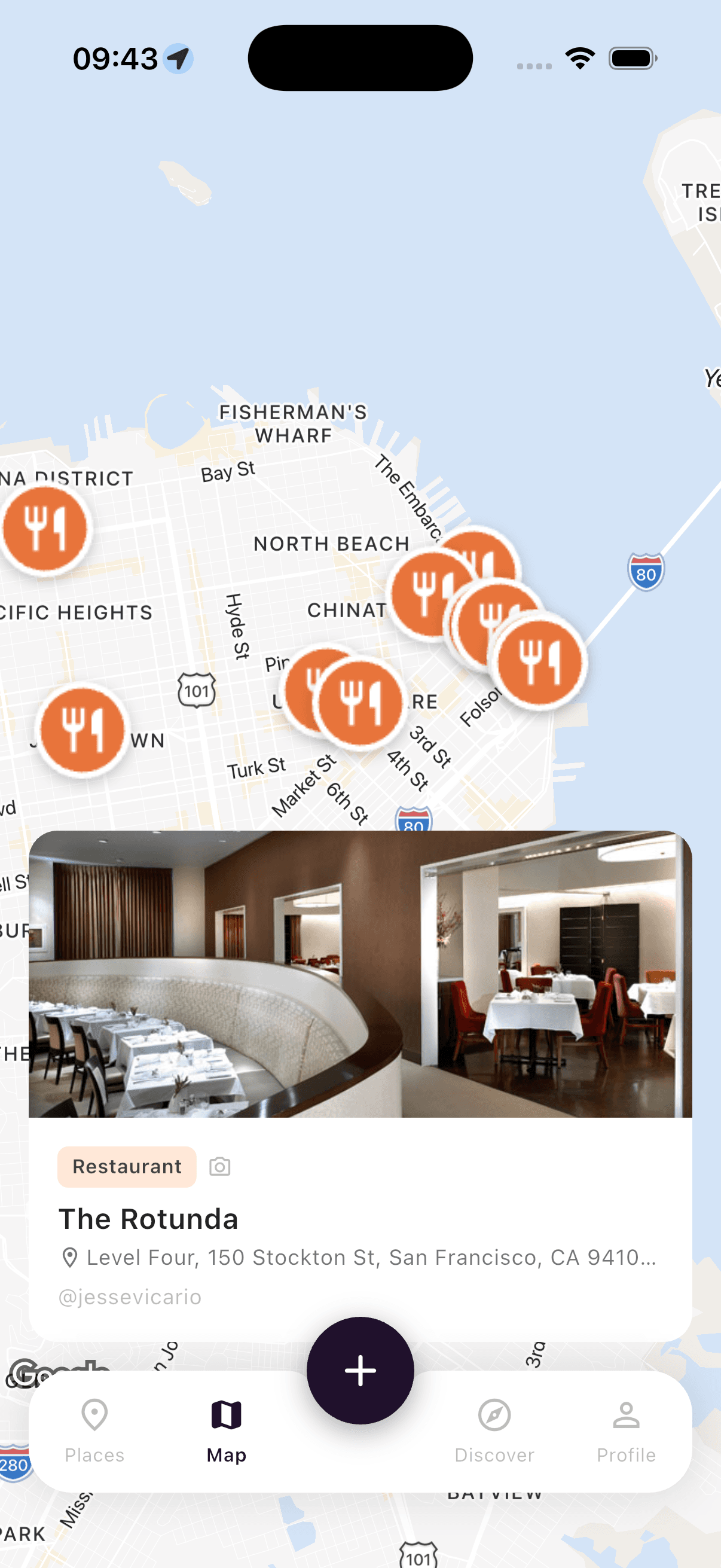
Built for the way you actually save.
AI extraction that gets it right.
Multi-layer pipeline. Computer vision on the video. AI reasoning on the caption. Cross-checked against Google Places. Every pin on your map is a real, visitable place.
Beautifully organized.
Auto-grouped by country and city. Custom lists for the trips you're already dreaming about. The way you'd organize it, if you had the time.
Save from anywhere.
TikTok, Instagram, screenshots, links, photos you took yourself. Drop it in. Alfred figures out the rest.
Built for sharing.
Discover travelers and cities. Search by username or location. See public picks from real travelers, ranked by what people actually save.
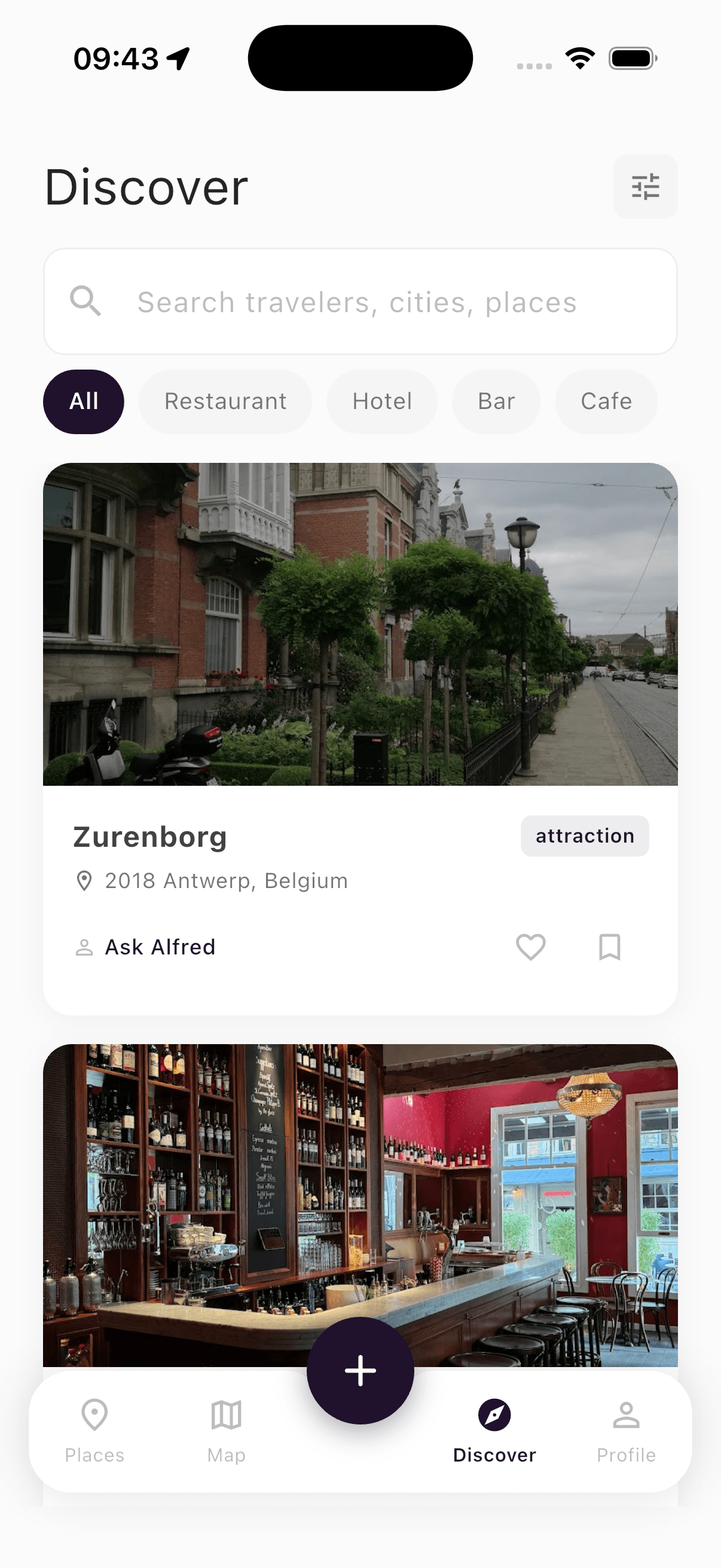
Beautiful places, actually findable.


Free to start. More on the way.
- Save from TikTok, Instagram, links, photos
- AI extraction with location verification
- Personal map with country and city groups
- Public profile and follow friends
- Unlimited custom wishlists
- Trip planner with multi-day itineraries
- Offline maps and saved guides
- Bulk import and CSV export
- Early access to new features
- Priority extraction queue
The honest answers.
Because the AI is only a starting point. Every extraction is cross-checked against Google Places, then scored on confidence. If we can't verify a venue, we surface the city instead and ask you to confirm. We'd rather show you nothing than show you the wrong place.